
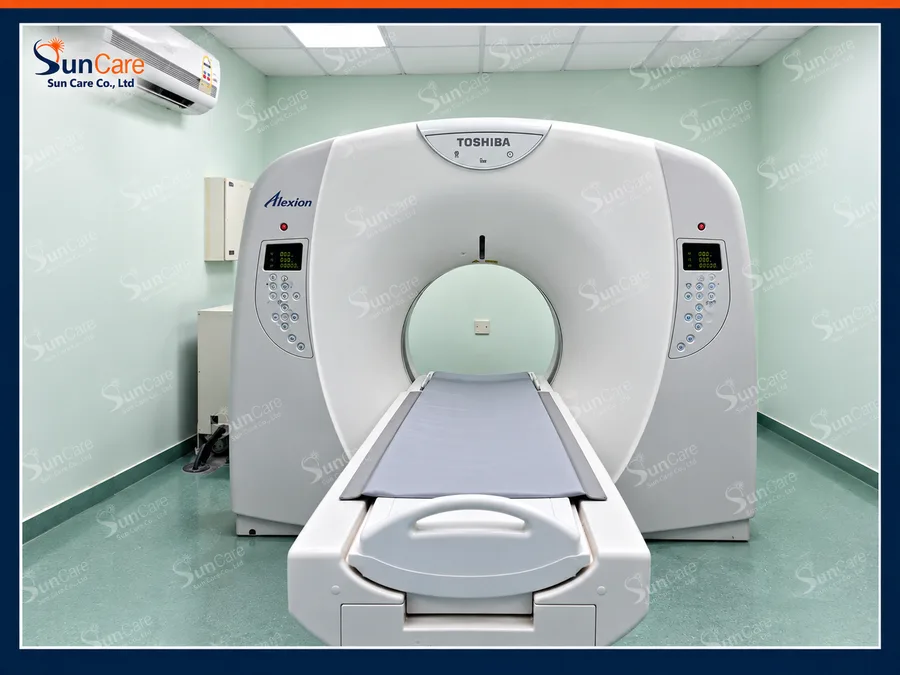
Toshiba Alexion TSX-032A
System recovery, SSD replacement, calibration and verified standard and 3D image transfer.
Explore project
Reach an imaging engineer before a visit is booked. We read the error, the logs and the configuration with you, and tell you what the system actually needs.
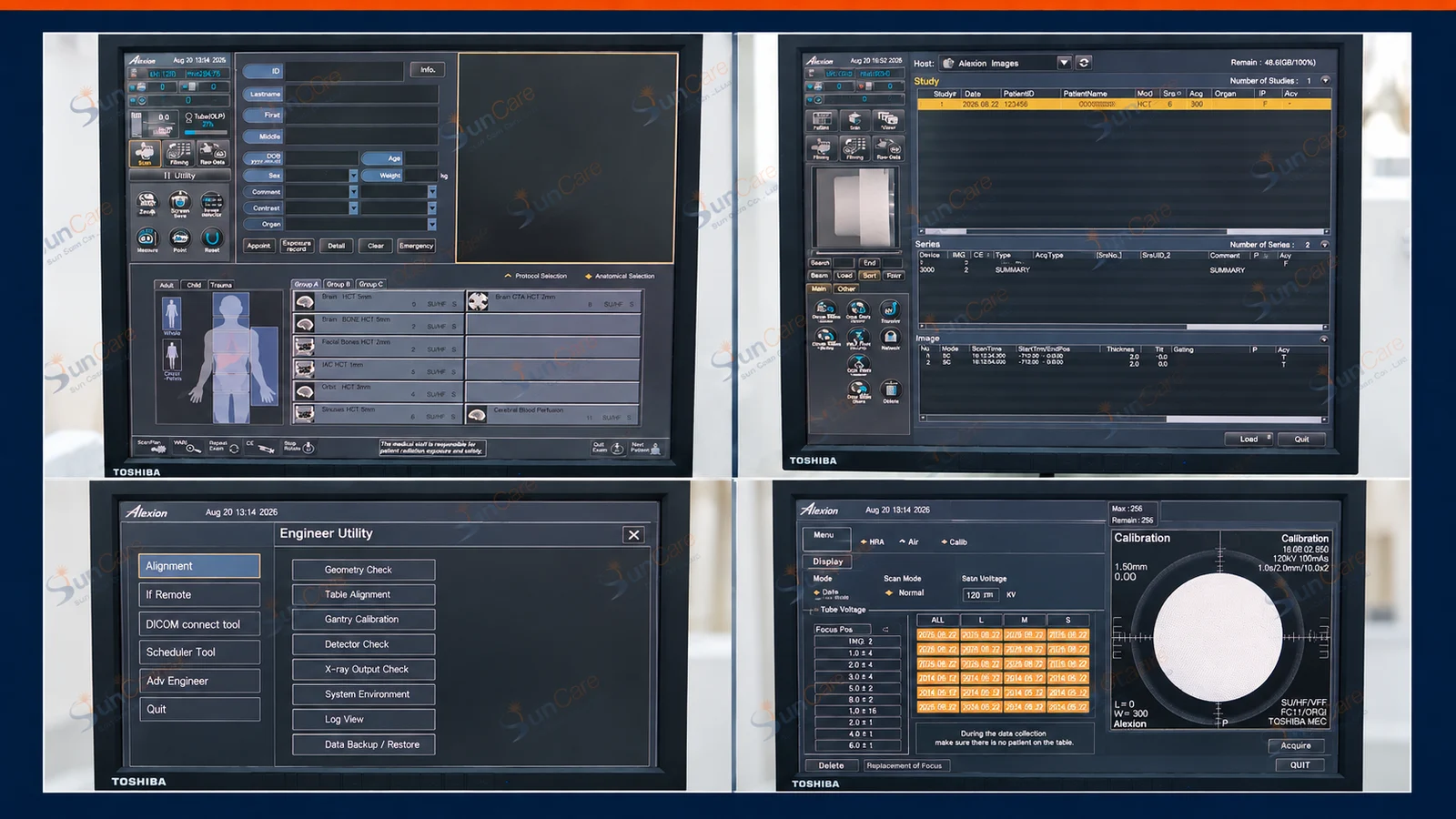
A scanner that stops does not always need an engineer on site. Error codes, service logs, DICOM settings and a photo of the console tell us a great deal. We work through them with your team first, so that when a visit is needed it arrives with the right part and the right plan.
Not every fault needs hands on the machine. These are the things we regularly resolve, or narrow down, without one.
Reading the system error, the service log and the event history to separate a real hardware failure from a configuration or workflow problem.
AE titles, ports, worklist queries and transfer failures are usually settings, not hardware. Most of these are resolved over a call.
Identifying the likely part, confirming it is available and agreeing the backup and downtime plan, so a single visit closes the job.
A review of a quotation, a diagnosis or a recommended replacement before you commit to it, based on the system's own records.
A precise first message shortens every step that follows.
Manufacturer, model, city, the error text or a photo of the screen, to service@suncareco.tech or WhatsApp.
We read the logs and configuration with you and rule out what can be ruled out.
Parts, backups and the site visit, if one is needed, are agreed before anyone travels.
Imaging and transfer tests confirm the fix; the report records what changed.
Remote support often ends in a recovery job. These are systems we brought back.